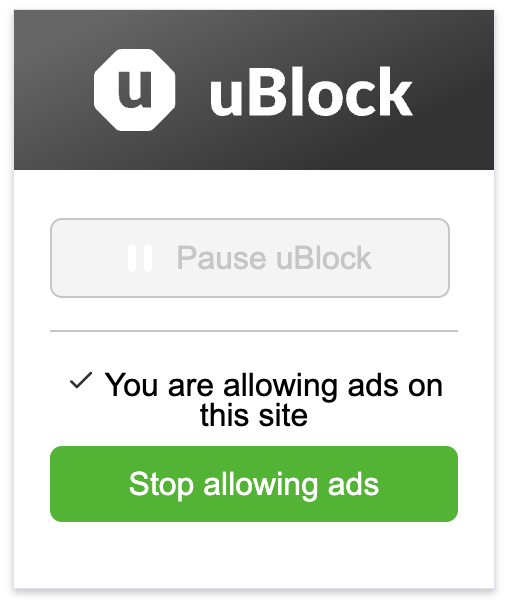
To pause uBlock for a site that blocks ad blockers or to support a content creator by allowing ads, follow these steps:
-
Click the uBlock icon on the the browser toolbar.
-
Click Pause uBlock to disable uBlock for the current page or click Allow ads on this site to disable uBlock for the entire website.
uBlock will remember your selection and remain disabled on all future visits.
uBlock refreshes the page automatically. Ensure no information will be lost before allowing ads.
To start blocking ads again, simply click Stop allowing ads on the menu: